medli20@medli20

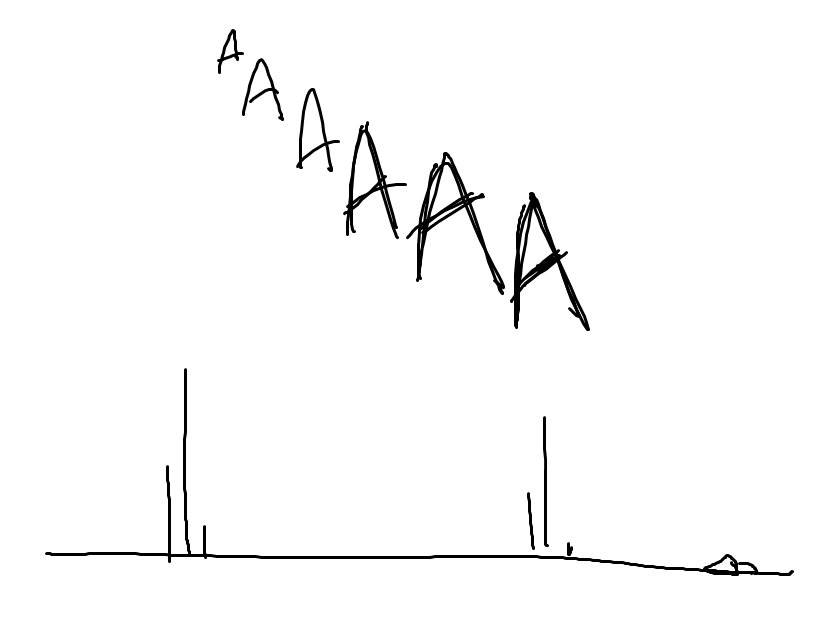
    #OutOfContextDnD

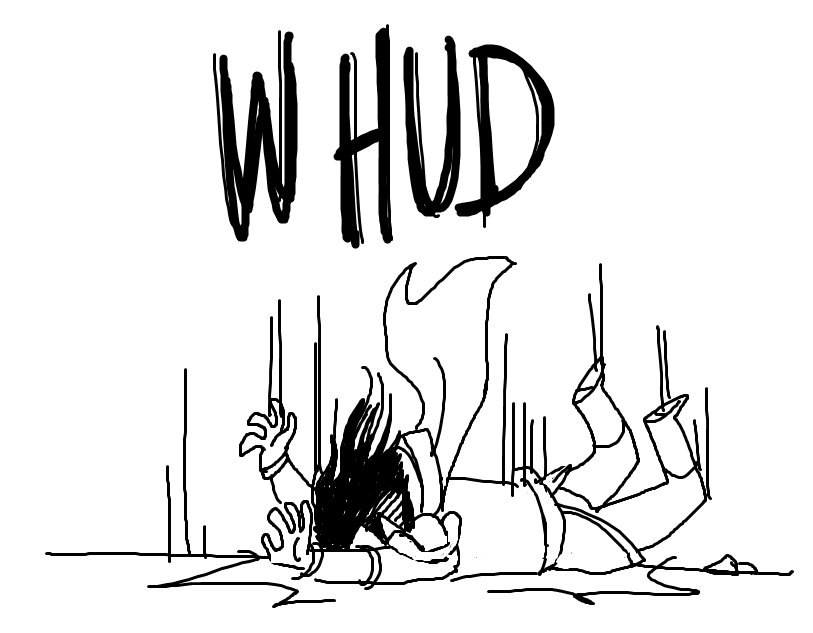
    #OutOfContextDnD
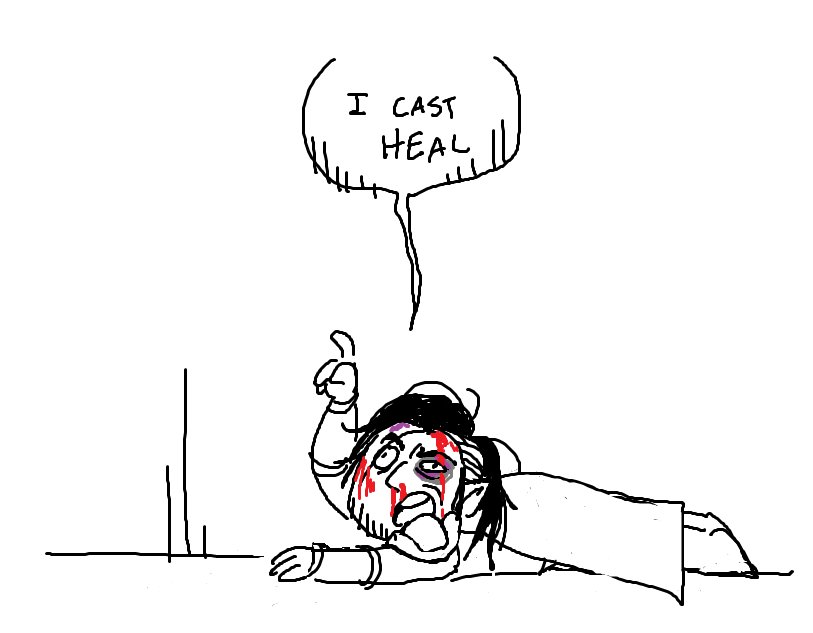
    #OutOfContextDnD
    #OutOfContextDnD
    #OutOfContextDnD
    13732018年5月7日 09:13
    medli20@medli20

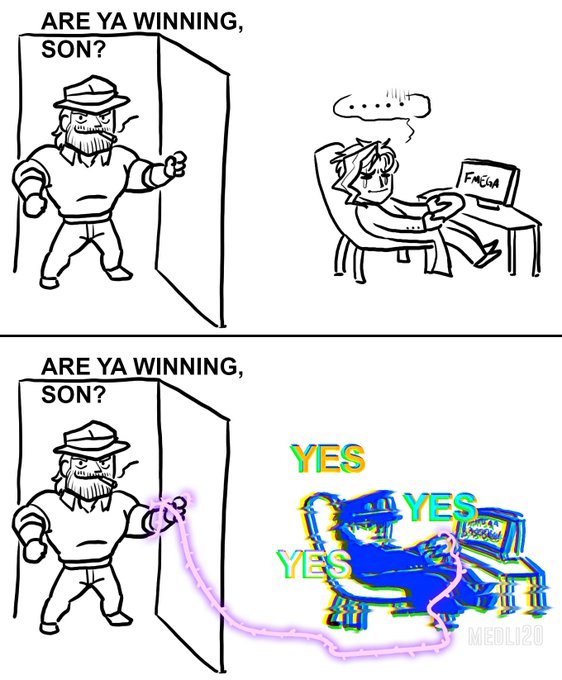
    This happened today and he's still mad

    This happened today and he's still mad
    61122018年5月15日 13:53
    medli20@medli20

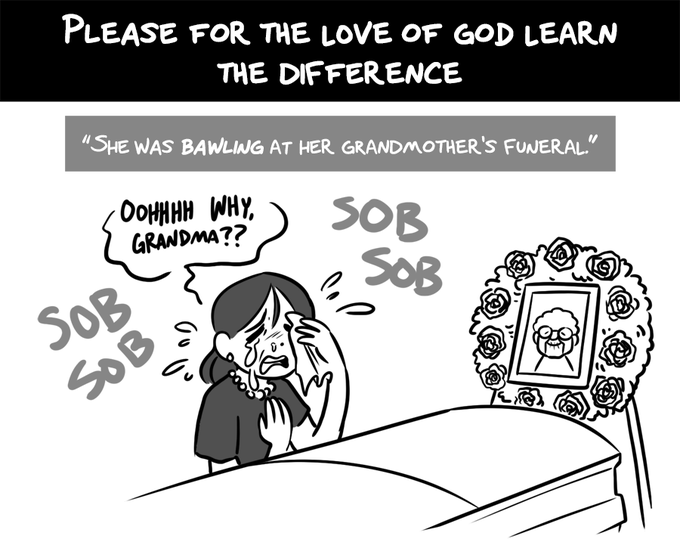
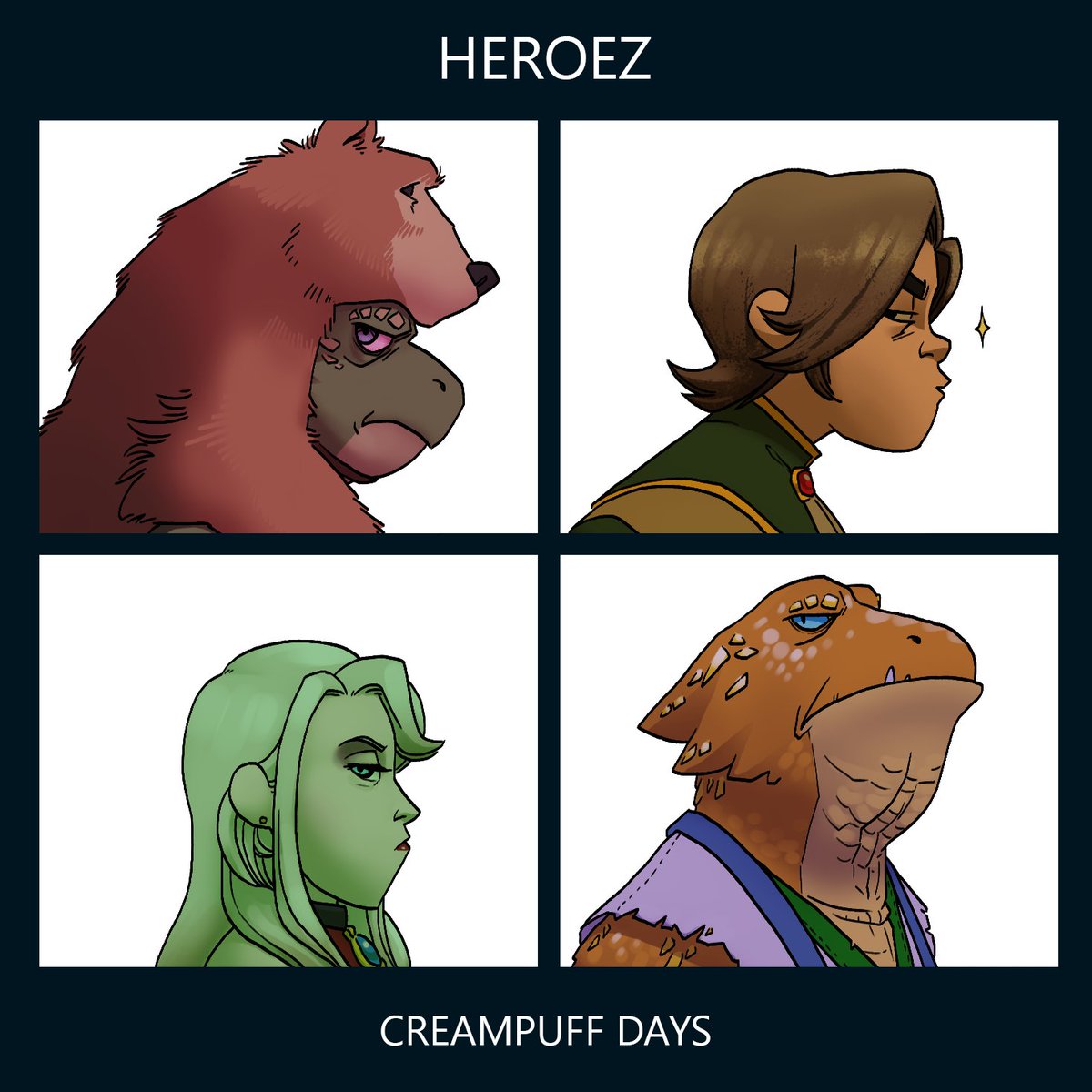
    Whipped up a parody thing for my D&D players.

    Whipped up a parody thing for my D&D players.
    5532018年6月13日 11:05
    medli20@medli20

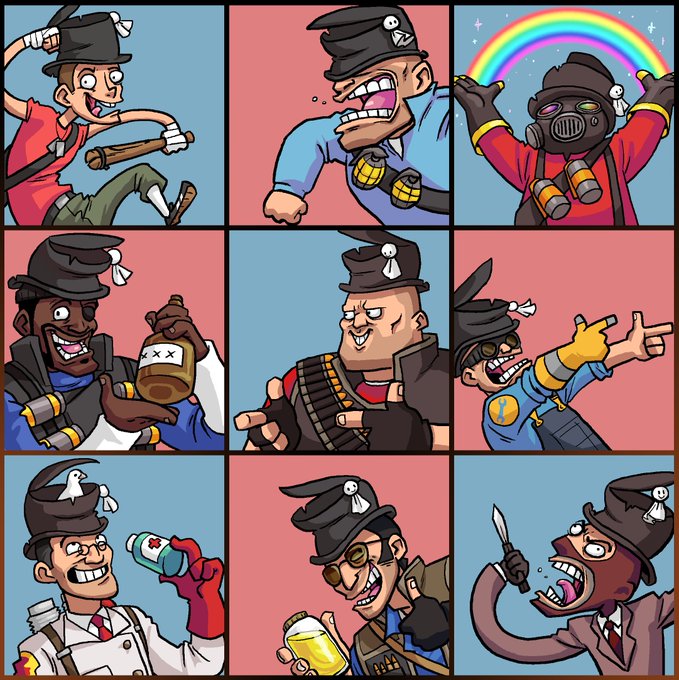
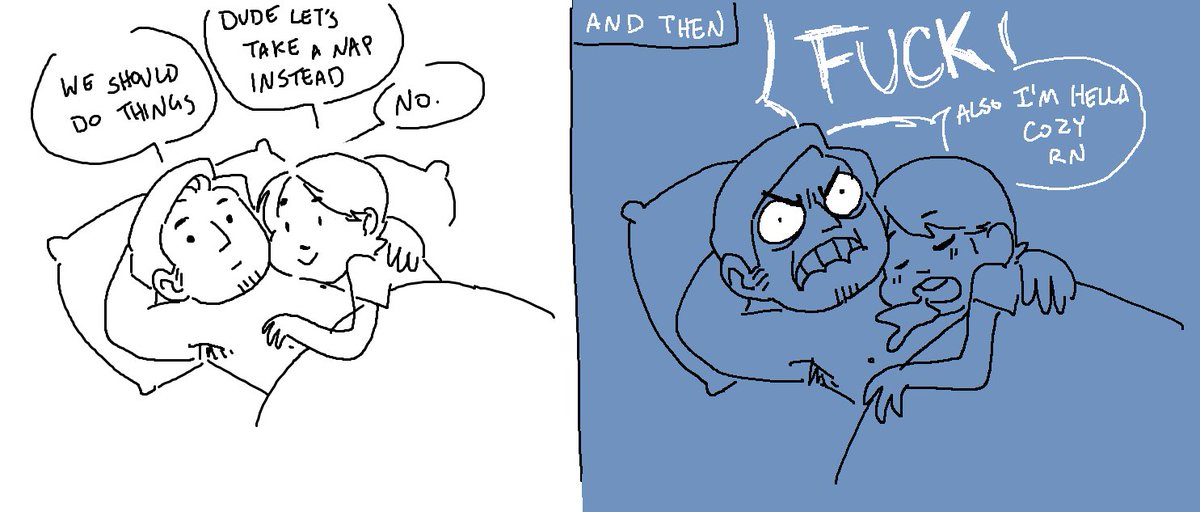
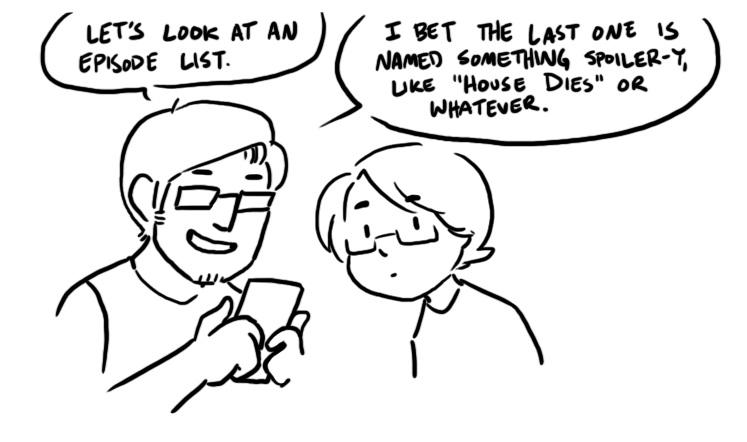
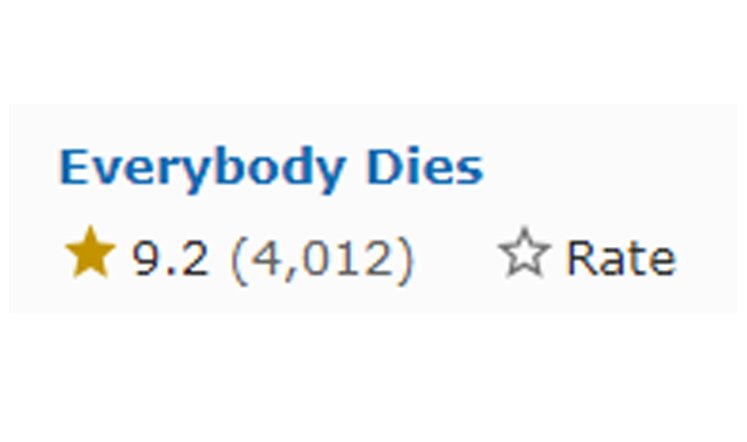
    Been watching House MD with @Bobsplosion lately.

    Been watching House MD with @Bobsplosion lately.
    Been watching House MD with @Bobsplosion lately.
    Been watching House MD with @Bobsplosion lately.
    Been watching House MD with @Bobsplosion lately.
    161542018年7月11日 16:15
    medli20@medli20

    idk how many of you need this, but if you need to quickly adjust the thickness of your lineart layer in Photoshop, you can go to Filter > Other > Maximum/Minimum so you don't have to meticulously redraw/erase everything you've done. Minimum makes it big, Maximum makes it thin.

    idk how many of you need this, but if you need to quickly adjust the thickness of your lineart layer in Photoshop, you can go to Filter > Other > Maximum/Minimum so you don't have to meticulously redraw/erase everything you've done. 
Minimum makes it big, Maximum makes it thin.
    idk how many of you need this, but if you need to quickly adjust the thickness of your lineart layer in Photoshop, you can go to Filter > Other > Maximum/Minimum so you don't have to meticulously redraw/erase everything you've done. 
Minimum makes it big, Maximum makes it thin.
    idk how many of you need this, but if you need to quickly adjust the thickness of your lineart layer in Photoshop, you can go to Filter > Other > Maximum/Minimum so you don't have to meticulously redraw/erase everything you've done. 
Minimum makes it big, Maximum makes it thin.
    idk how many of you need this, but if you need to quickly adjust the thickness of your lineart layer in Photoshop, you can go to Filter > Other > Maximum/Minimum so you don't have to meticulously redraw/erase everything you've done. 
Minimum makes it big, Maximum makes it thin.
    251402020年7月1日 13:36

関連漫画

MR pierogiy@pierogiy
499
3432
2022-08-29T14:09:43.000Z
Beanie 🐶@whatsupbeanie
1977
23592
2022-02-15T02:06:55.000Z